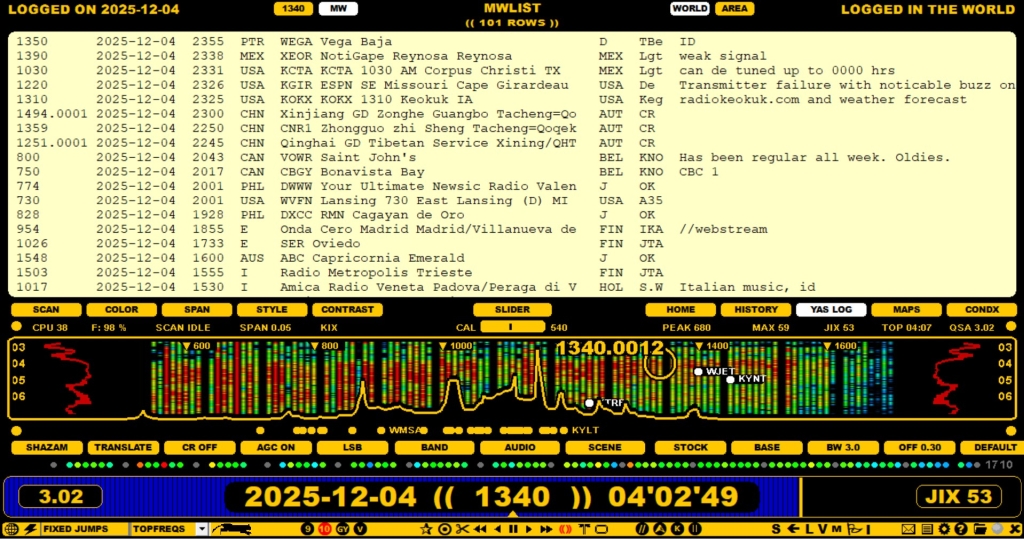
The MWLIST mode shows loggings from the worldwide MWLIST LOG DATABASE. The database is located on the MWLIST server, and new loggings are added dynamically all the time by the worldwide MW community. So if you are using the LIVE mode in JAGUAR, you will always see the latest loggings on that window. By default the MWLIST mode shows all the loggings made on the currently-played day, latest on the top.
MWLIST is an online database so an Internet connection is required.
You can open MWLIST from DATABASE BAR: move the mouse over the center area so that the KOJE | MWLIST | TURTLE | USA TIS | CATBOOK buttons can be seen. Click the MWLIST button.
You can also press ALT-T repeatedly to rotate KOJE | MWLIST | TURTLE | USA TIS | CATBOOK.
DATABASE BAR has some buttons that can be used for filtering the output:
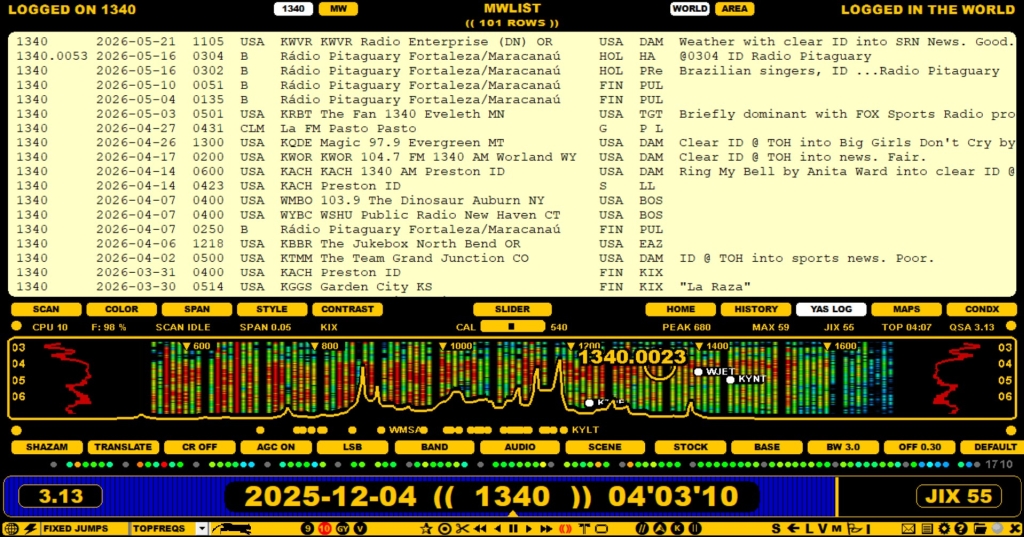
By default the "AREA" is your home country as defined in the ITU code in SETTINGS > BEGINNING > REC_QTH. You can extend this to cover also the nearby countries if you switch to the CUSTOM level and use the AREA-parameter (see more details in the CUSTOM section).
You can return to the standard TURTLE mode by clicking the TURTLE button on DATABASE BAR.