ZOOM
The target of the ZOOM depends on the display and the mouse cursor position. There are three ZOOM types in JAGUAR:
- Mouse right click ZOOM for the main displays
- Keyboard key ZOOM (using the + and - keyboard keys): text font size zoom | map in/out zoom | spectrum SPAN zoom
- Mouse wheel ZOOM in some special cases: the SLIDER > SPAN button | SPECTOR low area | map in/out zoom
On the standard HOME spectrum display some carriers can be thin ...
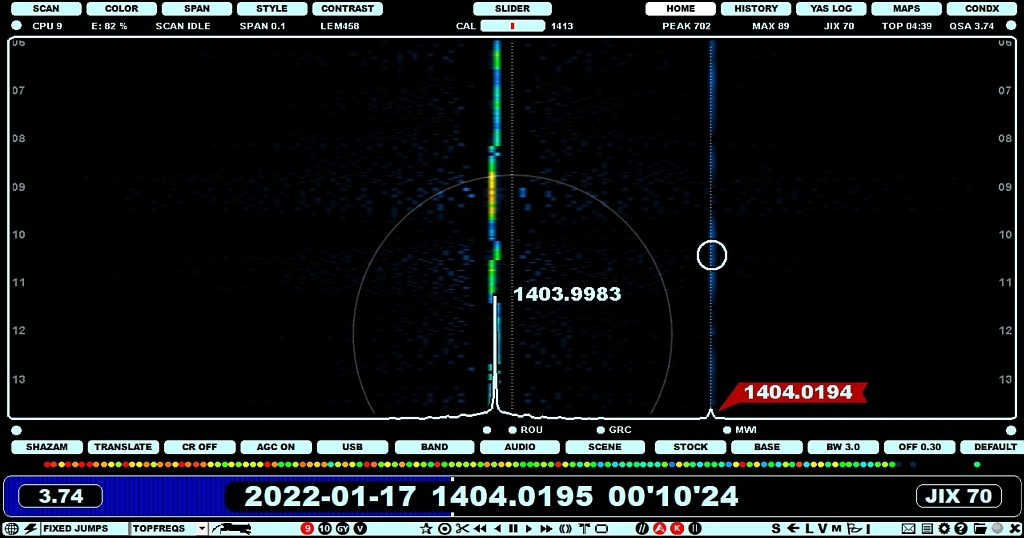
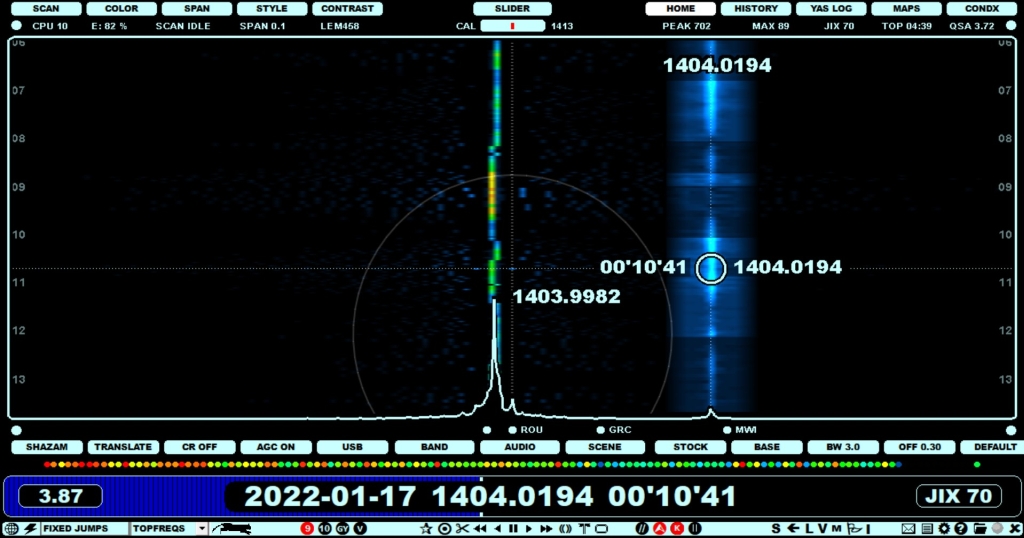
... but the carrier can be ZOOMed by right clicking it:
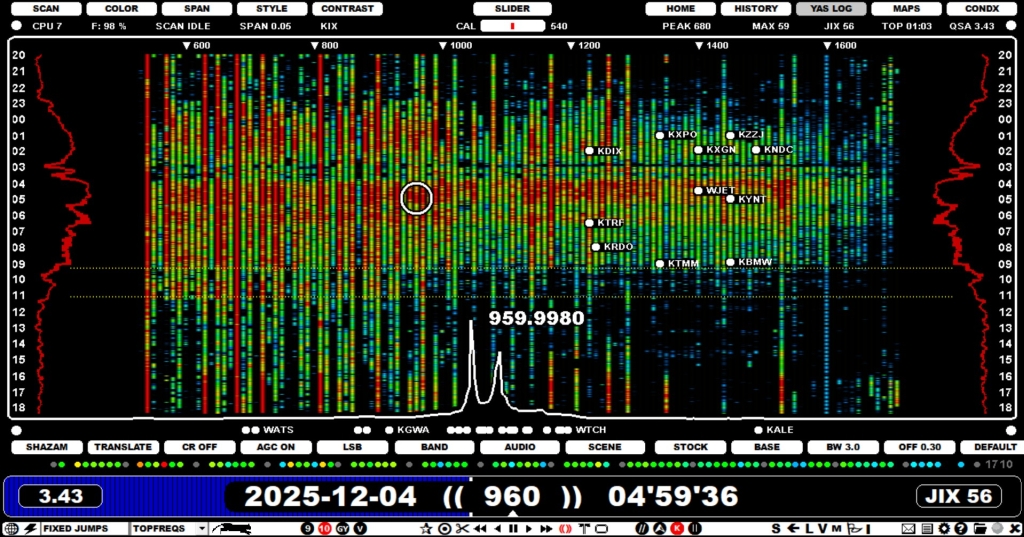
On the standard YAS LOG display the frequencies are show as fixed width YAS bars ...
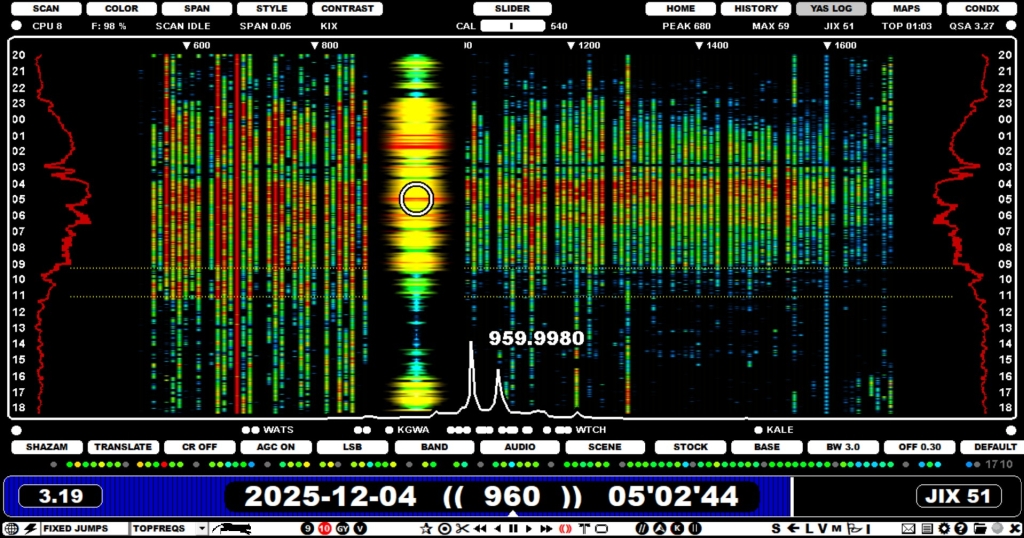
... but the frequency can be ZOOMed in with a right click:
Note that the mouse right click may also trigger some other function if the mouse cursor is moved over some specific data on the display (for example pointing a station on MAPS/TURTLE, the mouse right click triggers the STATION MENU).
HOW TO
Mouse right click ZOOM
The mouse right click is the main ZOOM function (ZOOM on/off) on the following displays:
- HOME and HISTORY: Zoom a single carrier. If you click to another offset, also the ZOOM is moved to the new tuned offset. When you keep the mouse cursor over the ZOOM area, you can use the mouse wheel and/or left/right arrow key to increase/decrease the ZOOM area width. Important: this "carrier zoom" has an own independent power tuner - when this ZOOM is enabled, you can use the CONTRAST button to adjust the colors of the carrier. You can close this ZOOM by right clicking outside the carrier ZOOM area (immediate close) or inside the carrier ZOOM area (you will get a popup menu from which you can start the VOYAGER function or close the carrier ZOOM).
- YAS LOG: Zoom a single frequency. If you click/scroll to another frequency, also the ZOOM is moved to the new tuned frequency.
- MAPS: Quick zoom to the pointed area.
- CONDX: The right click opens the DAYLOG of the selected day. This "dayzoom" is not locked automatically to that day - please use left click to lock it. If you don't lock it, you can move the mouse cursor over other days to quickly review all the existing DAYLOGs without any additional clicks.
Keyboard key + and - ZOOM
Pressing the "+" or "-" key increases or decreases the current SPAN (spectrum width) with two exceptions:
- If the mouse cursor is over the TURTLE text area, +/- increases/decreases the font size
- If the MAPS display is active, +/- zooms the map in/out
Mouse wheel scroll ZOOM
Pressing the left/right arrow keys is equivalent to the mouse wheel scroll.
- If the mouse cursor is over the SLIDER > SPAN button or over the bottom area of SPECTOR (the red "offset flag" appears for the mouse cursor, see image), scrolling increases/decreases the SPECTOR range.

- If the mouse cursor is over the MAPS display, scrolling zooms the map in/out.